
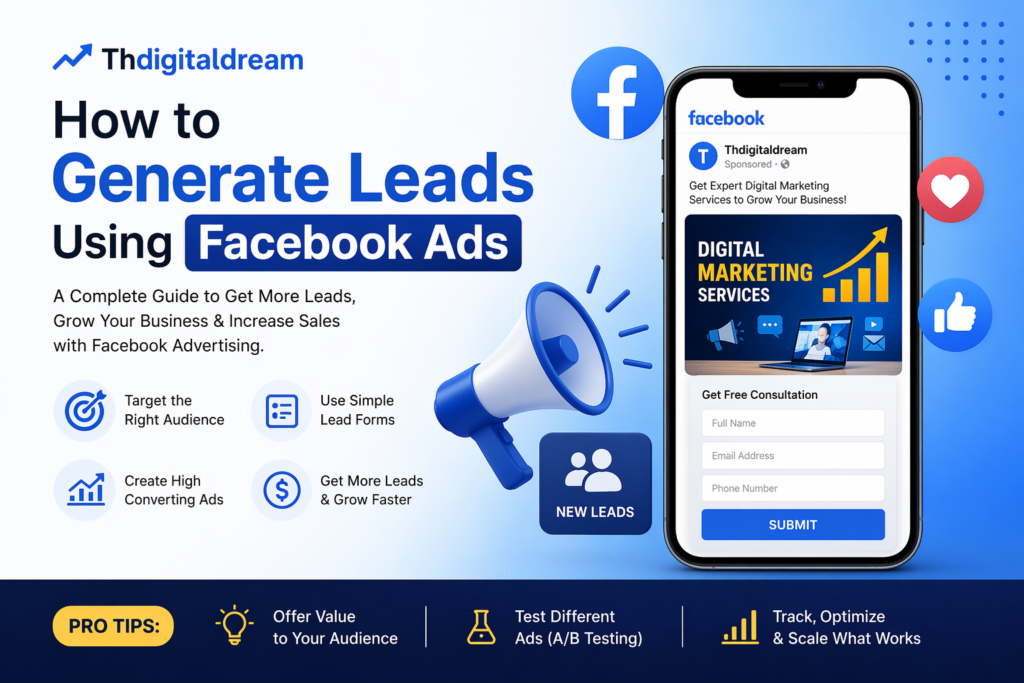
In today’s digital world, generating quality leads is one of the biggest challenges for businesses. Whether you are running a startup, small business, or e-commerce brand, finding the right customers is essential for growth. One of the most powerful tools to achieve this is Facebook Ads.
With over 2 billion active users, Facebook offers a massive opportunity to reach your ideal audience and convert them into leads. In this blog by Thdigitaldream, we will guide you step-by-step on how to generate leads using Facebook Ads effectively.
What Are Facebook Leads?
Before diving into strategies, let’s understand what a lead is.
A lead is a person who shows interest in your product or service by sharing their contact details like:
- Name
- Phone number
Facebook allows you to collect this information directly through Lead Ads, making it easier for businesses to connect with potential customers.
Why Use Facebook Ads for Lead Generation?
Here are some key reasons why Facebook Ads are highly effective:
- Advanced targeting options (age, location, interests)
- Cost-effective compared to traditional ads
- Mobile-friendly lead forms
- Instant data collection
- Detailed analytics and performance tracking
Step-by-Step Guide to Generate Leads Using Facebook Ads
1. Define Your Target Audience
The success of your ad depends on targeting the right audience.
You can target based on:
- Location (city, country)
- Age and gender
- Interests (e.g., fashion, business, digital marketing)
- Behavior (online shopping, page engagement)
Example:
If you sell sarees, target women aged 25–45 interested in ethnic wear.
2. Choose the Right Campaign Objective
When creating a Facebook Ad, you must select a campaign objective.
For lead generation, choose:
Lead Generation
This allows Facebook to show your ads to people who are more likely to submit their details.
3. Create a High-Converting Ad Creative
Your ad design plays a huge role in attracting users.
Include:
- Eye-catching image or video
- Clear headline
- Short and engaging description
- Strong Call-to-Action (CTA)
Example CTA:
- “Sign Up Now”
- “Get Free Consultation”
- “Download Now”
Tip: Use bright colors and real product images for better engagement.
4. Design an Effective Lead Form
Facebook provides an instant form where users can submit details without leaving the app.
Keep your form:
- Simple (Name + Phone + Email)
- Clear with a strong offer
- Mobile-friendly
Example:
“Get 20% Discount on Your First Purchase – Fill the Form Now!”
5. Offer Value to Your Audience
People won’t share their details without a reason.
Give them something valuable:
- Discounts
- Free consultation
- E-books or guides
- Free trial
Example:
“Get Free Digital Marketing Strategy for Your Business”
6. Set Your Budget Smartly
Start with a small budget and test your ads.
Suggested plan:
- Daily Budget: ₹200–₹500
- Run for 5–7 days
- Analyze results and scale winning ads
Tip: Don’t spend all money at once. Test different ads first.
7. Use A/B Testing
Test different versions of your ads to find what works best.
Test:
- Images vs Videos
- Different headlines
- Different audiences
This helps you improve performance and reduce cost per lead.
8. Track and Optimize Performance
Use Facebook Ads Manager to monitor:
- Cost per lead (CPL)
- Click-through rate (CTR)
- Conversion rate
If your ad is not performing:
- Change creative
- Adjust targeting
- Improve offer