
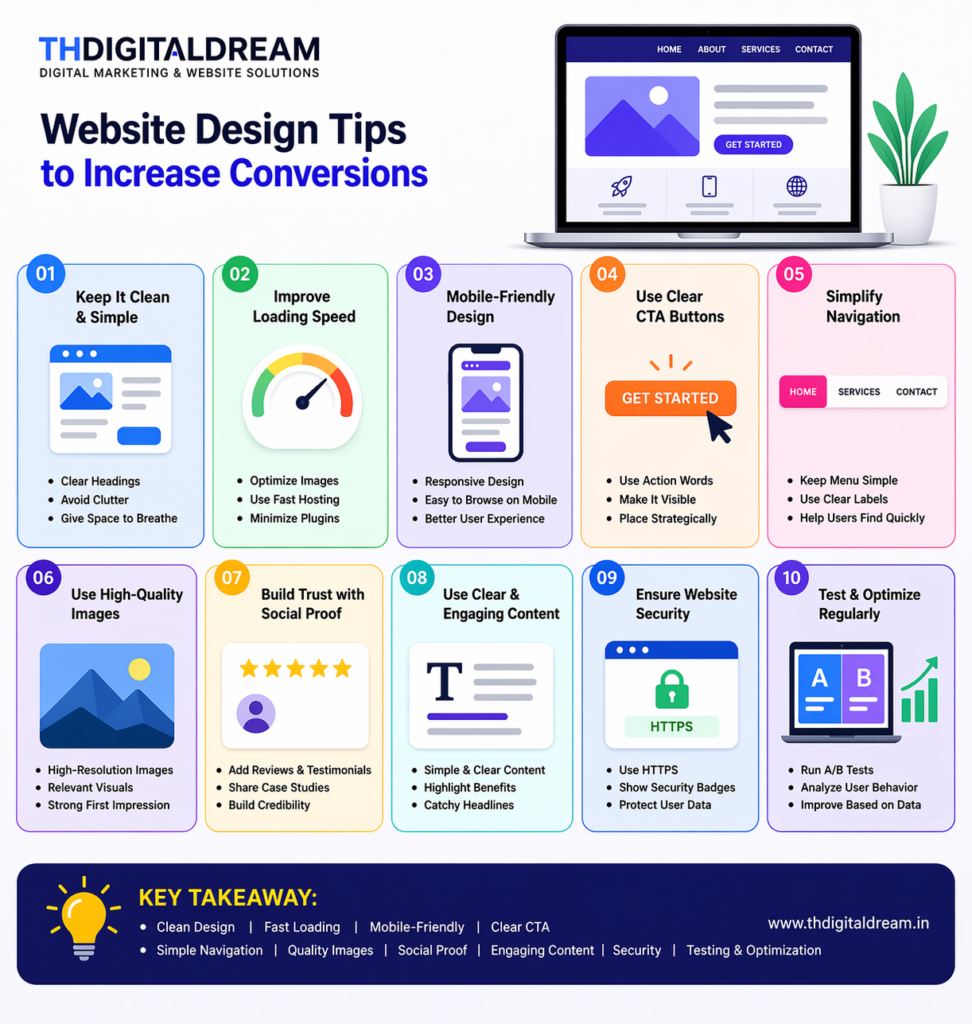
In today’s digital world, your website is more than just an online presence—it is your most powerful sales tool. A well-designed website can turn visitors into customers, while a poorly designed one can drive them away within seconds. At Thdigitaldream, we believe that smart website design is the key to increasing conversions and growing your business online.
In this blog, we will explore practical and effective website design tips that can help you improve user experience and boost conversions.
1. Keep Your Design Clean and Simple
A cluttered website confuses visitors and makes it difficult for them to take action. A clean and simple design helps users focus on what matters most—your product or service.
Use:
- Clear headings
- White space
- Minimal colors
Avoid adding too many elements on a single page. Simplicity improves readability and makes your website look professional.
2. Improve Website Loading Speed
Speed plays a crucial role in conversions. Studies show that users leave a website if it takes more than 3 seconds to load.
To improve speed:
- Optimize images
- Use fast hosting
- Minimize unnecessary plugins
A fast website not only improves user experience but also helps in better search engine ranking.
3. Make Your Website Mobile-Friendly
Most users today browse websites on their smartphones. If your website is not mobile-friendly, you are losing a huge number of potential customers.
Ensure:
- Responsive design
- Easy navigation on mobile
- Fast loading on all devices
A mobile-optimized website creates a seamless experience and increases conversions.
4. Use Clear Call-to-Action (CTA) Buttons
Your website should guide visitors on what to do next. This is where Call-to-Action (CTA) buttons play an important role.
Examples:
- “Get Started”
- “Contact Us”
- “Buy Now”
Make sure your CTA:
- Is clearly visible
- Uses action words
- Stands out with color
At Thdigitaldream, we recommend placing CTAs strategically across your website to guide users toward conversion.
5. Simplify Navigation
Visitors should be able to find what they are looking for within seconds. Complicated navigation leads to frustration and higher bounce rates.
Best practices:
- Keep menu simple
- Use clear labels
- Limit menu items
A well-structured navigation system improves user experience and keeps visitors engaged.
6. Use High-Quality Images and Visuals
Visual content creates a strong first impression. Low-quality images can reduce trust and make your website look unprofessional.
Tips:
- Use high-resolution images
- Add relevant graphics
- Maintain consistency
Good visuals help communicate your message effectively and make your website more appealing.
7. Build Trust with Social Proof
Trust is a major factor in conversions. Users are more likely to take action when they see proof that others trust your business.
Add:
- Customer reviews
- Testimonials
- Case studies
Displaying real feedback builds credibility and encourages visitors to convert.
8. Focus on Clear and Engaging Content
Your content should clearly explain what you offer and how it benefits the user. Avoid complicated language and keep it simple.
Make sure:
- Headlines are catchy
- Content is easy to read
- Benefits are highlighted
At Thdigitaldream, we emphasize content that connects with users and drives action.
9. Ensure Website Security
Security is essential for building trust. If users feel your website is not secure, they will hesitate to share their information.
Steps to ensure security:
- Use HTTPS
- Display security badges
- Protect user data
A secure website increases confidence and improves conversions.
10. Test and Optimize Regularly
Website design is not a one-time process. You need to continuously test and improve your website to get better results.
You can:
- Run A/B testing
- Analyze user behavior
- Improve based on data
Regular optimization helps you understand what works best for your audience.